Who Moved My Proof? What if the evidence of your signed contract travelled with the document?
Ajay Dubey
3 min read
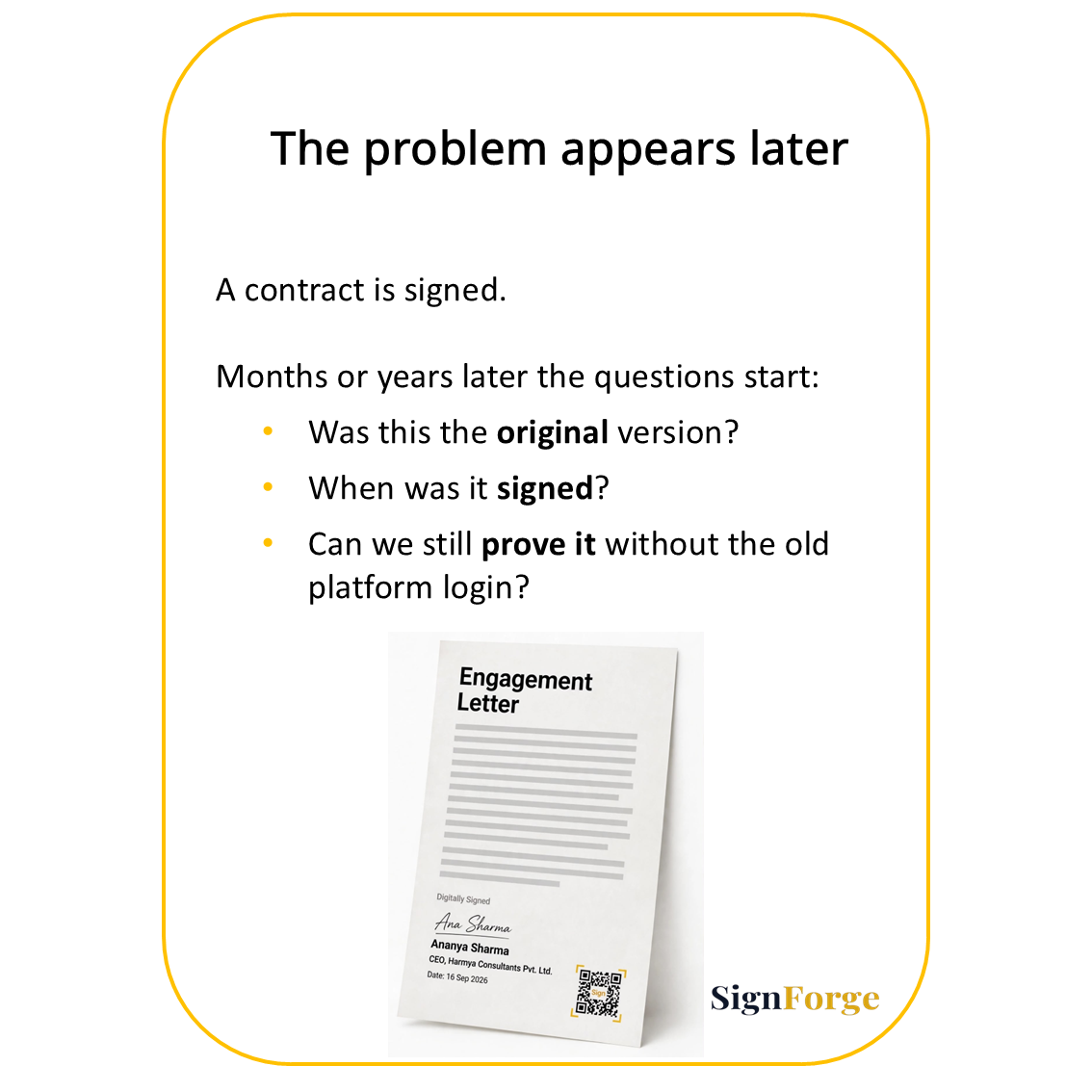
A contract is signed. Months or years later someone asks: Can we prove this document was signed, when it was signed, and whether the version we hold is the original?
Most organizations then start searching - the signing platform, the audit trail, the completion certificate, the archived file. SignForge takes a different approach: the signed agreement should carry its own proof. The evidence travels with the document.
Why proof often gets lost after signing
Electronic signatures speed up agreements, but signing is only one step. Legal, compliance, HR and finance teams later need to:
Preserve evidence of the transaction
Confirm the document has not been altered
Retrieve records for audits, disputes or regulatory reviews
The problem is rarely missing evidence. It is that the evidence is hard to access, hard to retain independently, and hard to verify without the original platform.
How SignForge makes proof travel with the document
After signing is complete, users can download four artefacts:
Signed PDF (the executed document)
Certificate of Completion (detailed transaction record)
Proof Document (verification evidence)
ZIP Archive (all files in one package)
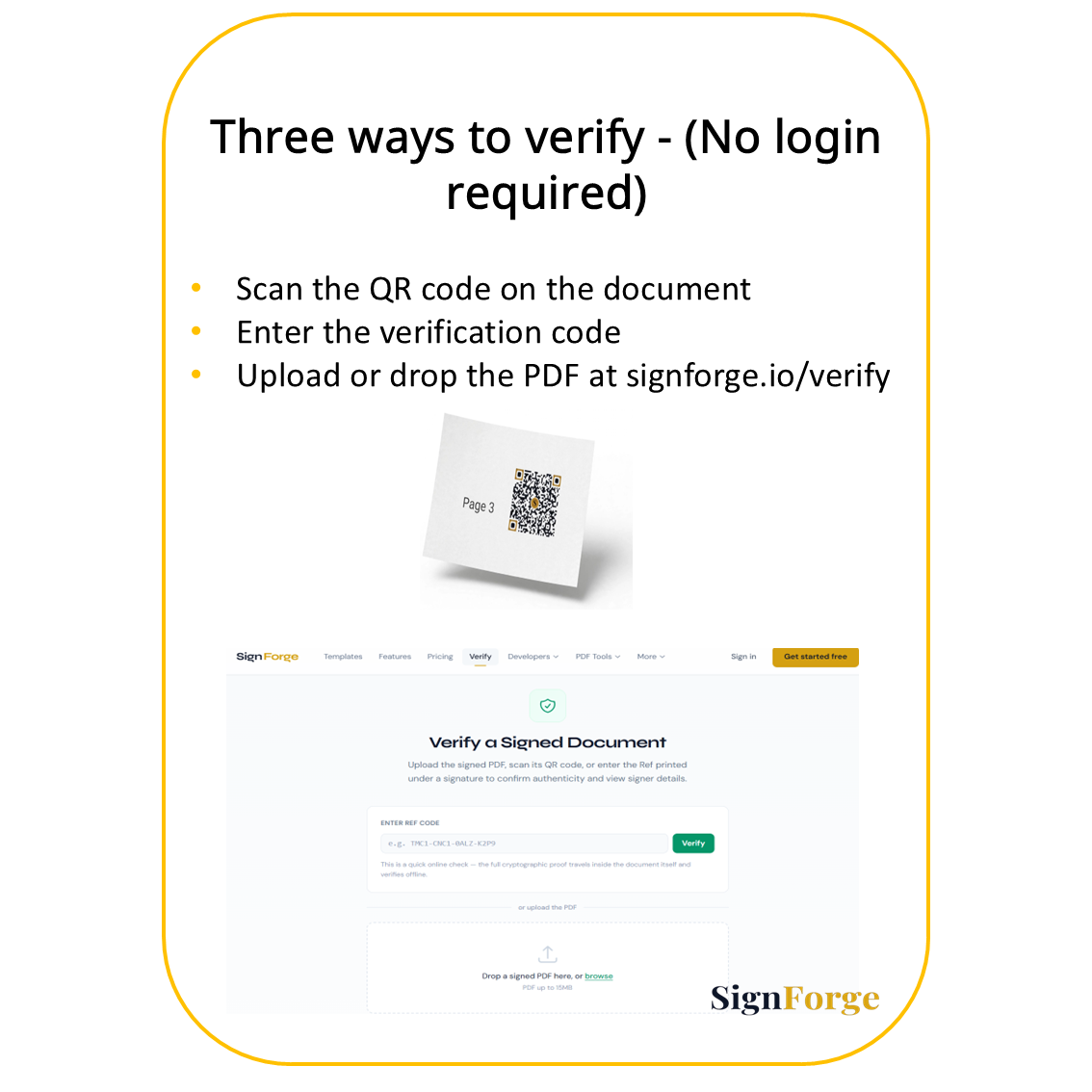
A QR code can appear at the end of the document or next to individual signatures. Scanning the QR code takes anyone to verification without requiring a SignForge login.
The signed PDF can also be uploaded or dropped at https://signforge.io/verify for the same verification check.
Because the files can be stored in the organization's own systems, the evidence remains available even after the signing subscription ends.
What the proof actually contains
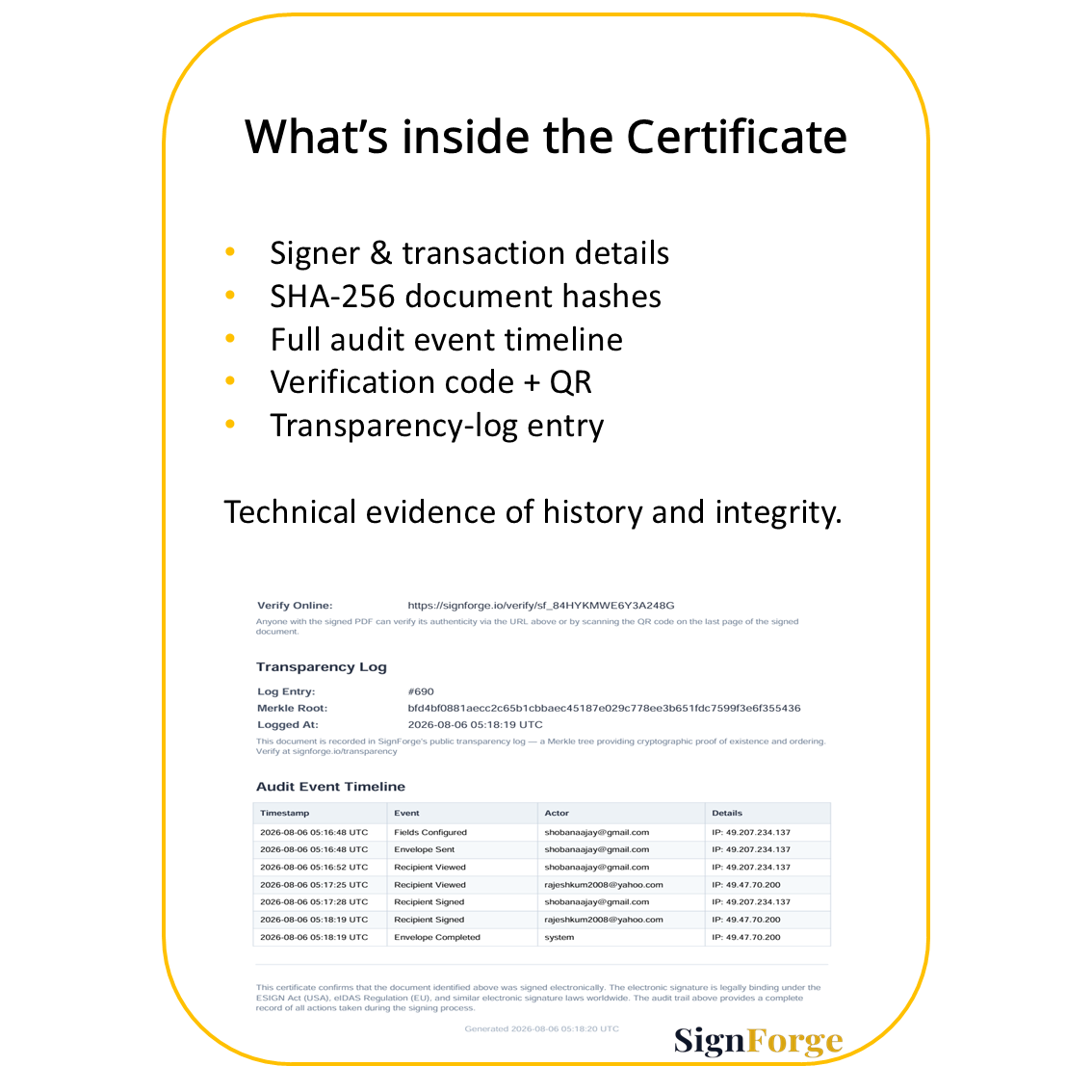
The Certificate of Completion can include five layers of evidence:
Signer and transaction details - document title, completion status, signatory information, email addresses, signing methods and timestamps.
SHA-256 document hashes - cryptographic fingerprints of the original and signed PDFs. Any change to the file produces a different hash.
Audit event timeline - a structured record of when fields were configured, the envelope was sent, the document was viewed, signatures were applied, and the process was completed.
Verification code and QR code - a direct route to check the document.
Transparency-log entry - a public, append-only cryptographic record that shows the document was added and has not been altered. The Merkle root is a single summary value that allows independent verification of inclusion.
These elements turn the certificate into technical evidence of both signing history and document integrity.
Why this matters years later
An employment agreement signed three years ago can be retrieved, verified via QR code or upload, and examined with its Certificate and Proof Document still attached. A vendor contract can move from procurement to finance to legal with its evidence travelling alongside it. Even after a platform subscription ends, the downloaded package remains under the organization's own retention rules.
How SignForge packages proof differently
Leading platforms already provide signing evidence. DocuSign offers Certificates of Completion. Adobe Acrobat Sign provides audit reports. The practical difference lies in how the evidence is packaged and accessed afterwards.
SignForge combines four capabilities:
QR code for direct verification
Verification without requiring a login
Ability to upload or drop the signed PDF at signforge.io/verify
A downloadable package containing the signed document plus Certificate of Completion, Proof Document and transparency-log information
This makes portability and independent verification part of the document itself.
Decision checklist for portable proof
When evaluating whether proof truly travels with a document, ask:
Can the signed file and its evidence be downloaded as one self-contained package?
Is verification possible without an active platform login?
Can the signed PDF be uploaded or dropped at a public verification page?
Does the evidence include document hashes and a clear transaction timeline?
Can the organization retain the materials under its own systems for the required retention period?
No signing platform removes every legal or compliance risk. The value is in making verification and evidence retention an integral part of the signing experience.
Digital trust should outlast the signing session. With SignForge, the document travels with its proof.